Canon PIXMA vs HP Envy: Which Home Printer Is Right for You?
Both brands chase the same home buyer with photos, homework, and everyday documents in mind. Here’s how PIXMA and Envy actually differ once you look past the marketing language.
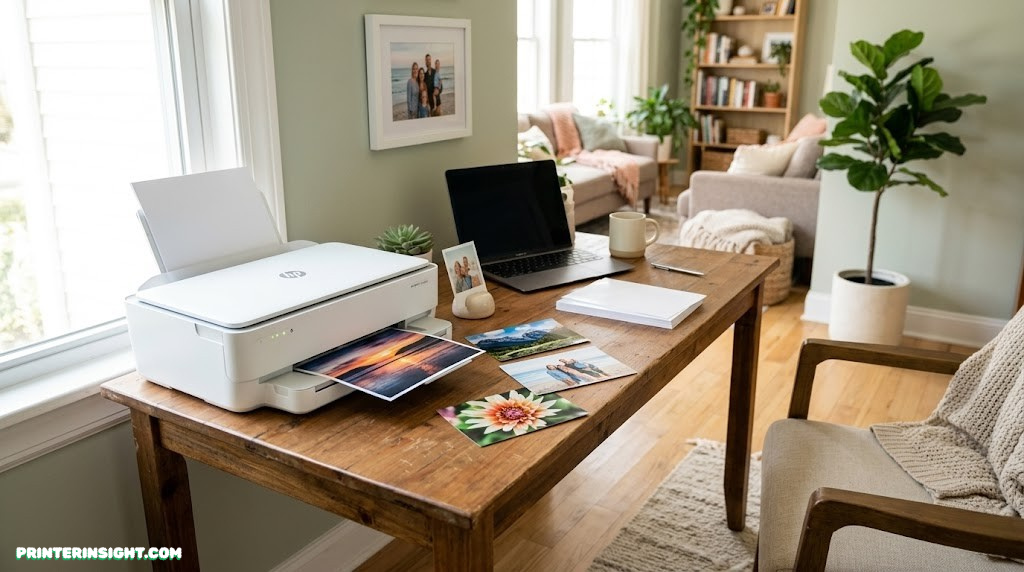
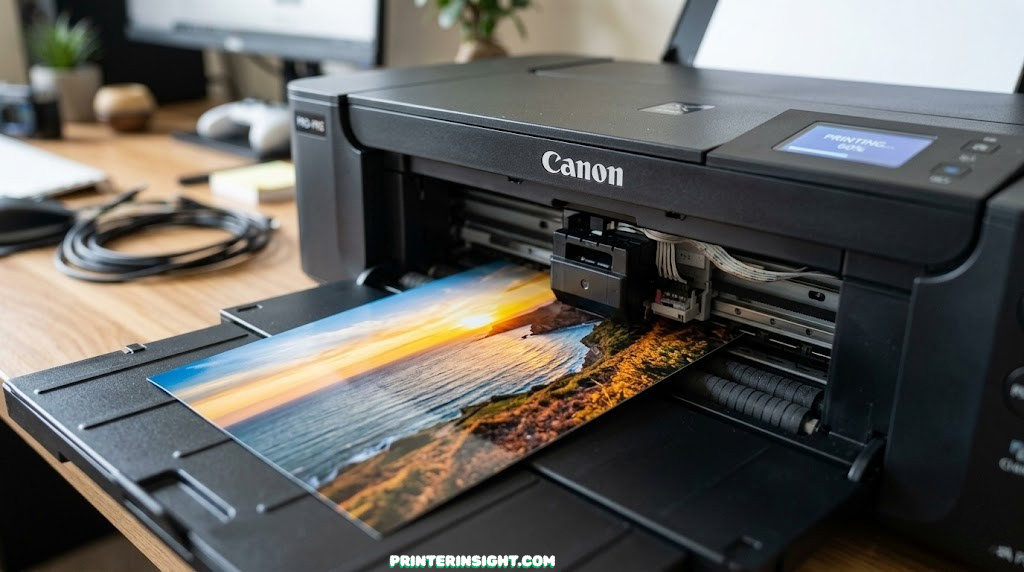
Both brands lean heavily on photo printing in their marketing — the real differences show up in color accuracy, app polish, and ink costs.
Canon PIXMA and HP Envy are two of the most recognizable names on any home printer shelf, and both have spent years refining the same basic pitch: a printer the whole family can use for homework, documents, and the occasional batch of photos. The philosophies behind each lineup, though, pull in slightly different directions once you look closely.
Quick Overview: Two Different Philosophies
Canon’s PIXMA heritage traces back to dedicated photo printing expertise, and that legacy still shapes how the lineup is engineered, especially around color science and ink formulation. HP’s Envy line leans more into a connected, subscription-friendly ecosystem, with HP+ and Instant Ink woven into the ownership experience from setup onward.
If you’re comparing these against other brands before settling on either one, our best home printers worth buying right now hub rounds up top picks across brands, and our best HP printer for home use guide goes deeper specifically on HP’s broader catalog beyond just Envy.
It’s also worth deciding early whether ink tank technology matters to you, since Canon offers a tank-based alternative to standard PIXMA cartridges that HP doesn’t currently match in the Envy line itself. Our are ink tank printers worth it guide covers that decision in more depth.

See current PIXMA pricing. Compare models and bundle options before deciding.
Check Price on AmazonUnderstanding Each Brand’s Lineup
Both brands sell across a wide spread of price points, which makes a head-to-head trickier than comparing two single models. It helps to know what sits where before drawing conclusions.
Canon PIXMA Structure
PIXMA TS and TR series models are Canon’s mainstream home all-in-ones, ranging from simple two-cartridge printers to feature-rich units with automatic document feeders and fax. Canon’s MegaTank line sits alongside PIXMA as a separate refillable ink tank option for buyers who want lower long-term ink costs, and the PIXMA G-series specifically blends tank technology into the PIXMA name itself.
HP Envy Structure
Envy is HP’s mid-tier family and photo-focused line, generally positioned between HP’s budget DeskJet printers and its business-oriented OfficeJet Pro models. Most current Envy models support HP+, an optional connected printing system that bundles firmware updates, security features, and Instant Ink trial periods, though buyers can typically decline HP+ during setup.
If you’re trying to decide whether either lineup beats a dedicated ink tank printer entirely, our best ink tank printer for home roundup and our Epson EcoTank vs. HP Smart Tank comparison both cover that alternative path in detail.

Compare current Envy models. Many listings include Instant Ink trial periods worth checking.
Check Price on AmazonPrint Quality: Photos, Text, and Color
This is the category most buyers care about most, and it’s also where the two brands differ most meaningfully.
Photo Printing
Canon’s decades of dedicated photo printer engineering still show up clearly in PIXMA output, particularly on models with five or six-color ink systems that handle skin tones and gradients with notable subtlety. HP Envy produces genuinely solid photo prints for a home all-in-one and leans heavily on photo printing in its marketing, including true-to-screen color matching and automatic two-sided photo printing for cards, but it generally sits a step behind PIXMA’s best color-science work for serious photo printing.
Document and Text Printing
Both brands handle everyday text and document printing capably, and most users won’t notice meaningful differences for standard home-office or school printing. This category is essentially a tie.
If photo output is truly your top priority over either brand, our dedicated best printer for photos at home guide narrows the field specifically around that need, including PIXMA’s higher-end photo-focused models.
Canon PIXMA Strengths
- Stronger color science for photo printing
- Wide range of ink systems, including 5-6 color options
- MegaTank option for low-cost high-volume printing
HP Envy Strengths
- Strong true-to-screen color matching for casual use
- Automatic two-sided photo printing for cards
- Polished, beginner-friendly software experience
Ink Costs and Subscription Models
Ink economics differ significantly depending on which sub-lineup you’re comparing, not just the brand name on the box.
Canon’s Approach
Standard PIXMA cartridge models carry typical inkjet running costs, on the higher side per page. Canon’s MegaTank lineup is the real value play here, using bottled ink to bring cost per page down dramatically for households that print often, at the expense of a higher upfront printer price.
HP’s Approach
HP leans on its Instant Ink subscription to soften the sting of cartridge costs, automatically shipping ink based on pages printed rather than ink remaining, and advertising savings of up to roughly half compared to buying cartridges outright. This works well for predictable, recurring print volumes, but buyers who print rarely or in unpredictable bursts may find a tank printer or pay-as-you-go cartridges a better fit.
| Approach | Best For | Tradeoff |
|---|---|---|
| Standard PIXMA cartridges | Light, occasional printing | Higher cost per page over time |
| Canon MegaTank | Frequent, high-volume printing | Higher upfront printer cost |
| Envy cartridges (pay as you go) | Unpredictable print volume | Standard inkjet cartridge pricing |
| Envy with Instant Ink | Consistent, recurring print volume | Ongoing subscription commitment |
For a broader view of ink economics beyond just these two brands, our home printer with the cheapest ink guide and our cost of printer ink vs. toner comparison are both worth reading.

Want the lowest long-term ink cost? Canon’s MegaTank lineup is worth comparing against standard PIXMA models.
Check Price on AmazonPrint Speed Compared
Speed varies widely within each brand’s own lineup, more than it varies consistently between brands at similar price points. Entry-level PIXMA and Envy models both tend to print in a similar moderate range for black-and-white text, with color graphics printing somewhat slower on both sides, which is typical of inkjet technology generally.
Higher-tier models in both lines close the gap with faster engines and quicker first-page-out times. If speed is a priority over photo quality specifically, it’s worth checking each model’s rated pages-per-minute individually rather than assuming either brand has a blanket speed advantage.
Mobile Apps and Smart Features
Software experience is where the two brands’ different philosophies become most obvious day to day.
Canon PRINT App
Canon’s app handles setup, scanning, and print management cleanly, with a more straightforward, no-account-required path to basic printing for buyers who just want the printer to work without extra layers.
HP Smart App and HP+
HP’s Smart app is polished and widely praised for ease of use, and HP+-enabled Envy models add AI-assisted formatting features, automatic firmware updates, and tighter Instant Ink integration. The tradeoff is that HP+ setup expects an HP account and an internet connection, and ties some features and warranty terms to using original HP ink for the life of the printer.
If smooth wireless setup is your main concern regardless of brand, our how to connect a printer to WiFi guide covers general troubleshooting steps that apply to both ecosystems.

Want AI-assisted printing features? HP+-enabled Envy models add smart formatting and automatic updates.
Check Price on AmazonConnectivity and Setup
Both lineups support Wi-Fi, USB, and standard mobile printing protocols including AirPrint and Mopria, so day-to-day connectivity is solid on either side. Higher-tier models in both lines may add Bluetooth or Ethernet depending on the specific model.
Setup differs slightly in tone rather than capability: Canon’s process tends to feel more like setting up a standalone device, while HP’s HP+-enabled setup feels more like onboarding into a connected service. Neither is objectively harder, but they suit different comfort levels with account-based ecosystems.
Reliability and Long-Term Ownership
Both brands carry strong general reputations for home printer reliability, and most issues that arise on either side trace back to long idle periods rather than fundamental design flaws. Print heads on any inkjet, Canon or HP, can clog if left unused for weeks, so routine use matters more than brand choice for long-term reliability.
Our guide on preventing inkjet printers from drying out applies equally to PIXMA and Envy owners, and if you’re already dealing with clogged nozzles, how to clean printer heads walks through the recovery process. General upkeep also matters here — our home printer maintenance tips and how to store printer cartridges guides are useful regardless of which brand you choose.
Reliability Strengths
- Both brands: mature print head engineering
- Both brands: automatic cleaning cycles built in
- Canon: long track record specifically in photo-grade printing
- HP: broad customer support infrastructure and warranty options
Watch Out For
- Either brand can clog if left idle for extended periods
- HP+-enabled models tie some features to original HP ink
- Cleaning cycles consume some ink on both lines
Paper Handling and Scanning
Paper tray capacity and scanning features vary more within each brand’s own lineup than they do consistently between brands. Entry-level PIXMA and Envy models tend to have smaller trays and flatbed-only scanning, while higher-tier all-in-ones from both brands add automatic document feeders for faster multi-page scanning and copying, and some PIXMA and Envy models with fax also support standalone faxing without a computer connected.
If scanning multi-page documents regularly is important, confirm the specific model includes an automatic document feeder rather than assuming all-in-one branding guarantees it on either brand. Our best compact home printers guide is useful if desk space is also a factor in your decision.
Which One Fits Your Household
Rather than naming an outright winner, it helps to match each brand’s strengths to specific situations.
Choose Canon PIXMA If:
- Photo quality and color accuracy matter most to you
- You want the option to step up to MegaTank for lower long-term ink costs
- You prefer a simpler, account-free setup experience
Choose HP Envy If:
- You like the convenience of an Instant Ink subscription
- You want AI-assisted formatting and connected smart features
- Your household leans toward casual family photo printing alongside documents
Students and crafters with more specific needs may find either brand workable; our best printer for students and best printer for crafting guides cover both brands alongside other options worth considering. If you’re outfitting a home office rather than a family desk, our best printer for home office guide and best home printer for Mac guide are good next reads.
If neither quite fits and you want to widen the search further, our Brother vs. HP printers for home and best Brother printer for home guides bring a third major brand into the comparison.

Leaning toward Canon? Browse current PIXMA models and bundles before deciding.
Check Price on AmazonFull Comparison Table
| Category | Canon PIXMA | HP Envy |
|---|---|---|
| Photo print quality | Strong, especially higher-end color models | Good, casual-friendly |
| Text document quality | Excellent | Excellent |
| Ink cost flexibility | Cartridge or MegaTank tank option | Cartridge or Instant Ink subscription |
| Mobile app polish | Clean, straightforward | Highly polished, AI-assisted features |
| Setup experience | Simple, no account required | Account-based on HP+ models |
| Family/casual use focus | Strong | Strong, heavily marketed |
| Long-term ink savings option | Yes, via MegaTank | Yes, via Instant Ink |
Frequently Asked Questions
Which is better for printing photos, Canon PIXMA or HP Envy?
Canon PIXMA has a longer-standing reputation for photo print quality, built on decades of dedicated photo printer engineering and color science. HP Envy produces genuinely good photos for a home all-in-one and markets photo printing heavily, but PIXMA models, especially those with five or six-color ink systems, tend to edge ahead for color accuracy and tonal range.
Does HP Envy require an Instant Ink subscription?
No, Instant Ink is optional on most HP Envy models, though some models sold under HP’s HP+ program ask you to choose a printing plan during setup and may have certain features tied to staying connected and using original HP ink. You can decline a subscription and buy cartridges as needed instead, but it is worth checking the specific model’s setup requirements first.
Which brand has cheaper ink overall, Canon or HP?
It depends heavily on the specific model and ink system rather than the brand as a whole. Canon’s MegaTank lineup brings ink costs down dramatically compared to standard PIXMA cartridges, while HP’s Instant Ink subscription can lower effective costs for Envy owners who print consistently, though buying HP cartridges outright remains pricier than tank-based alternatives.
Are Canon PIXMA printers reliable long-term?
Canon has built a strong long-term reputation in the PIXMA line, particularly around print head durability and consistent output over years of use. As with any inkjet, reliability also depends on regular use, since extended idle periods can lead to clogged print heads on PIXMA models just as on competing brands.
Can HP Envy printers be used without an internet connection?
Yes, basic printing, scanning, and copying work without an internet connection on most HP Envy models, though HP+-enabled units are set up while connected and some smart features rely on that connection. Standard USB and local Wi-Fi printing without cloud features remain available on non-HP+ configurations.
What is Canon’s MegaTank and how does it compare to a standard PIXMA printer?
MegaTank is Canon’s refillable ink tank line, distinct from standard PIXMA cartridge models, and is built around bottled ink rather than swappable cartridges. It carries a higher upfront price than a basic PIXMA cartridge printer but a significantly lower cost per page over time, especially for households that print often.
Which is easier to set up for a first-time printer owner?
Both the Canon PRINT app and the HP Smart app guide new owners through wireless setup with similar clarity, and most users find either approachable on a first try. HP’s setup flow leans more heavily into account creation and plan selection on HP+-enabled models, which adds a step that Canon’s setup generally does not require.
Do Canon PIXMA and HP Envy printers work well with Mac computers?
Yes, both brands maintain current macOS drivers and mobile apps, and both support AirPrint for printing directly from Apple devices without installing additional software. Compatibility issues on modern macOS versions are uncommon for either brand’s current lineup.
Which brand offers better scanning and copying features for documents?
Both lineups offer comparable scanning and copying at equivalent price tiers, with higher-tier models from each brand including automatic document feeders for multi-page jobs. Neither brand holds a consistent edge here; the better choice usually comes down to the specific model’s feeder capacity and scan resolution rather than brand alone.
Is HP Envy a good choice for a family with kids doing homework and crafts?
Yes, HP Envy is explicitly positioned toward family use, with features aimed at homework printing, borderless photos, and creative projects like personalized cards. Canon PIXMA’s TS and TR series target similar family use cases, so either brand can work well here depending on which specific feature set and price point fits best.
Which printer has a lower total cost of ownership over several years?
For heavy printers, Canon’s MegaTank models generally offer the lowest total cost of ownership thanks to bottled ink and high page yields. For lighter or occasional printers, the gap narrows significantly, and a standard PIXMA or Envy cartridge model paired with a reasonable ink plan can be perfectly cost-effective.
Final Verdict
There’s no single winner here, and that’s genuinely good news — it means the right pick comes down to what your household actually does with a printer. If photo color accuracy and the option to step up to a tank printer matter most, Canon PIXMA is the stronger lean. If you want a polished, subscription-friendly experience with AI-assisted features and don’t mind a connected setup, HP Envy is well worth considering.
Either brand will serve a typical home well. The bigger factor is matching the specific model’s ink system and feature set to how much and what kind of printing your household actually does.
Still narrowing things down? Our best home printers worth buying right now hub rounds up top picks across every brand on this site, including both PIXMA and Envy.
Compare Both on Amazon